How to Sign Up for Cointiply: Complete Beginner’s Guide (2026)
Cointiply is one of the easiest platforms to get started with, but it’s changed quite a bit over the years – what used to be a straightforward faucet has grown into a fuller rewards platform. This walkthrough covers account creation, your first earnings, and how to withdraw, using real screenshots from an actual account so there’s no guessing what you’ll see.
Want the full picture on whether Cointiply is worth your time first? Read our Cointiply Review.
A quick note before you start: Cointiply no longer runs a classic hourly faucet claim. Earning today happens through PTC (paid-to-click) ads, surveys, offer walls, games & apps, and a Missions system with daily streaks and bonus spins. If you’ve seen older guides (including ones on this site before this update) describing a faucet claim button, that’s outdated – this guide reflects what’s actually there now.
Step 1: Create Your Account
Go to Cointiply via our referral link → freecryptolist.com/go/cointiply
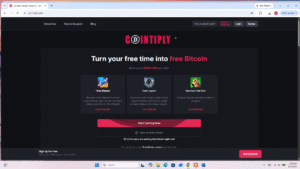
You’ve got two sign-up paths, both fully working:
Option A – Sign up with Google: One click, no email verification step, drops you straight into the welcome tutorial. The faster option if you’d rather skip a step.
Option B – Sign up with email: Fill in your name, email, and password, complete the captcha (Cointiply uses hCaptcha or Altcha), and confirm the Terms of Service checkbox.
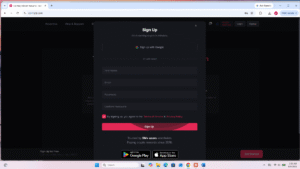
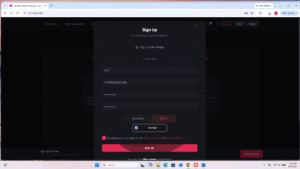
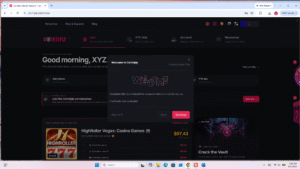
⚠️ Important – Read Before Signing Up: Complete your entire registration in your browser first before downloading the Cointiply app. If you switch to the app mid-signup, the referral tracking cookie breaks – and you’ll miss out on any signup bonus you’re entitled to, not just our referral credit. Once your account is fully created in the browser you can use the app freely.
Step 2: The Welcome Tutorial
New accounts get a short 9-step interactive tutorial with a completion bonus attached. Worth doing – it’s quick and points you toward the parts of the site you’d otherwise have to find yourself.
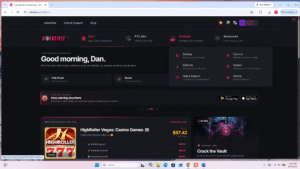
Step 3: Understanding How You Actually Earn
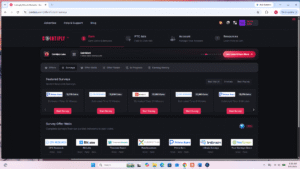
This is the part that’s changed most. The Earn hub organizes everything into four categories:
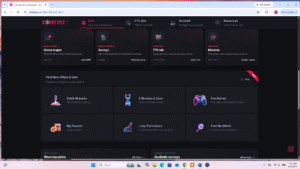
- Games & Apps – multi-step offers with the highest total payouts (up to $297 on featured offers)
- Surveys – market research surveys, reward varies by length and provider
- PTC Ads – simple paid clicks, under a minute each, the closest thing to the old “faucet” feel
- Missions – daily streaks, quests, spins, and bonus rewards
If you want the fastest possible first coins with zero learning curve, start with PTC Ads.
Step 4: Missions, Streaks, and Bonus Spins
This is where a lot of your passive value comes from once you’re set up. Your account level unlocks Daily Spin, Mystery Box, Offer Boost, and PTC Ad Discount rewards – all free, no wagering.
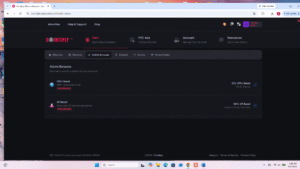
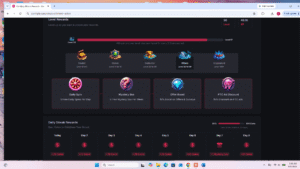
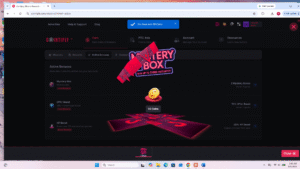
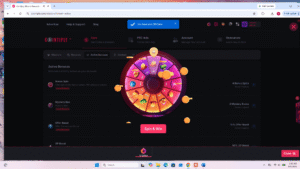
Miss a day and your streak resets, so this is the one habit worth protecting if you’re aiming for consistent earnings.
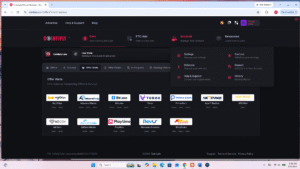
Step 5: Surveys and Offer Walls
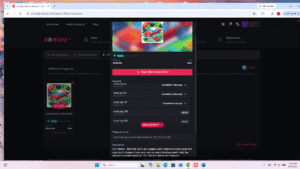
Once you’re past the basics, Surveys and Offer Walls are where the bigger rewards live – just with more time investment per task.
Step 6: Track What You’re Earning
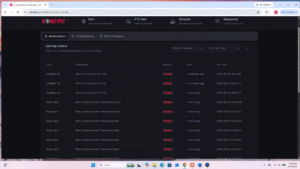
Everything you earn – PTC clicks, bonus spins, mystery box wins – shows up in Earning History, timestamped.
Step 7: Withdraw Your Earnings
Once your balance clears the minimum for your chosen coin (50,000 coins for Bitcoin, 30,000 for Dash/Doge/Litecoin), you can cash out.
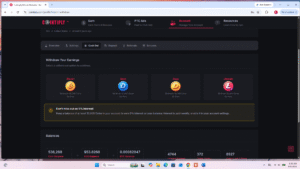
⚠️ Before you use this screenshot: crop or blur the “[Name] • [Country] • Joined [X] years ago” line at the top – it sits right above real account balance figures.
Enter your withdrawal amount, your wallet address, and your account password to confirm.
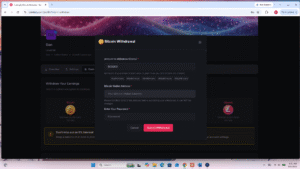
Same privacy note applies to this one – the account header shows above the form.
What happens after you submit – and why it might take a while:
No confirmation screen appears immediately after you click submit. That’s normal, not a bug. Here’s the actual sequence:
- Your withdrawal shows as “Pending Email Verification” in Payment History.
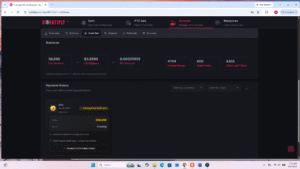
- Check your email and click the confirmation link. This takes you to an identity verification page.
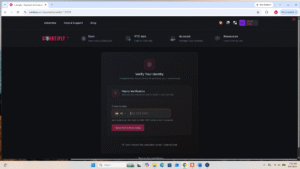
- You’ll be asked to verify a phone number by SMS code. Based on our own test, this appears to be a one-time identity check rather than something required on every withdrawal – it may be more likely to trigger on a first cashout or after a long period of account inactivity, though we can’t confirm that with certainty from a single test.
- Once verified, your withdrawal enters a processing queue – expect roughly 24 hours before it’s actually sent.
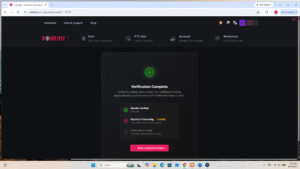
- You’ll get a final confirmation email once the payment actually goes out.
The whole process – from clicking submit to coins landing in your wallet – can take longer than a lot of faucets you’re used to. Don’t assume something’s broken if you don’t see instant movement.
What to Expect After Signing Up
Cointiply rewards consistency more than any single session. PTC ads and the daily spin give you quick, low-effort coins; surveys and offer walls pay more but take longer; missions and streaks compound the longer you stick with it. None of it requires spending money – just time.
No, not in the classic hourly-claim sense. Cointiply’s current earning model is built around PTC ads, surveys, offer walls, games and apps, and a Missions system with daily streaks and bonus spins. PTC ads are the closest thing to the old faucet experience – quick, simple, and available frequently.
Yes. Signing up with Google skips the email verification step entirely and takes you straight to the welcome tutorial. Both sign-up methods are fully functional.
It can happen, though it doesn’t appear to be required on every withdrawal. Based on firsthand testing, phone verification seems tied to identity confirmation – possibly triggered by a first-time cashout or a long period of account inactivity, rather than something every user sees on every withdrawal.
After submitting, expect an email confirmation step, potentially an identity verification step, and then roughly 24 hours of payment processing before funds are sent. No confirmation screen appears immediately after submitting – that’s normal, not an error.
50,000 coins for Bitcoin, and 30,000 coins for Dash, Dogecoin, or Litecoin. All four options have no withdrawal fees.
It remains one of the most established platforms in this space, with a multi-year track record and a wide range of earning methods. It rewards consistency more than any single session – daily engagement through streaks and missions compounds over time.
📖 In This Section: Faucets Hub · How-To Guides · Free Crypto Tools
← Back to Faucets