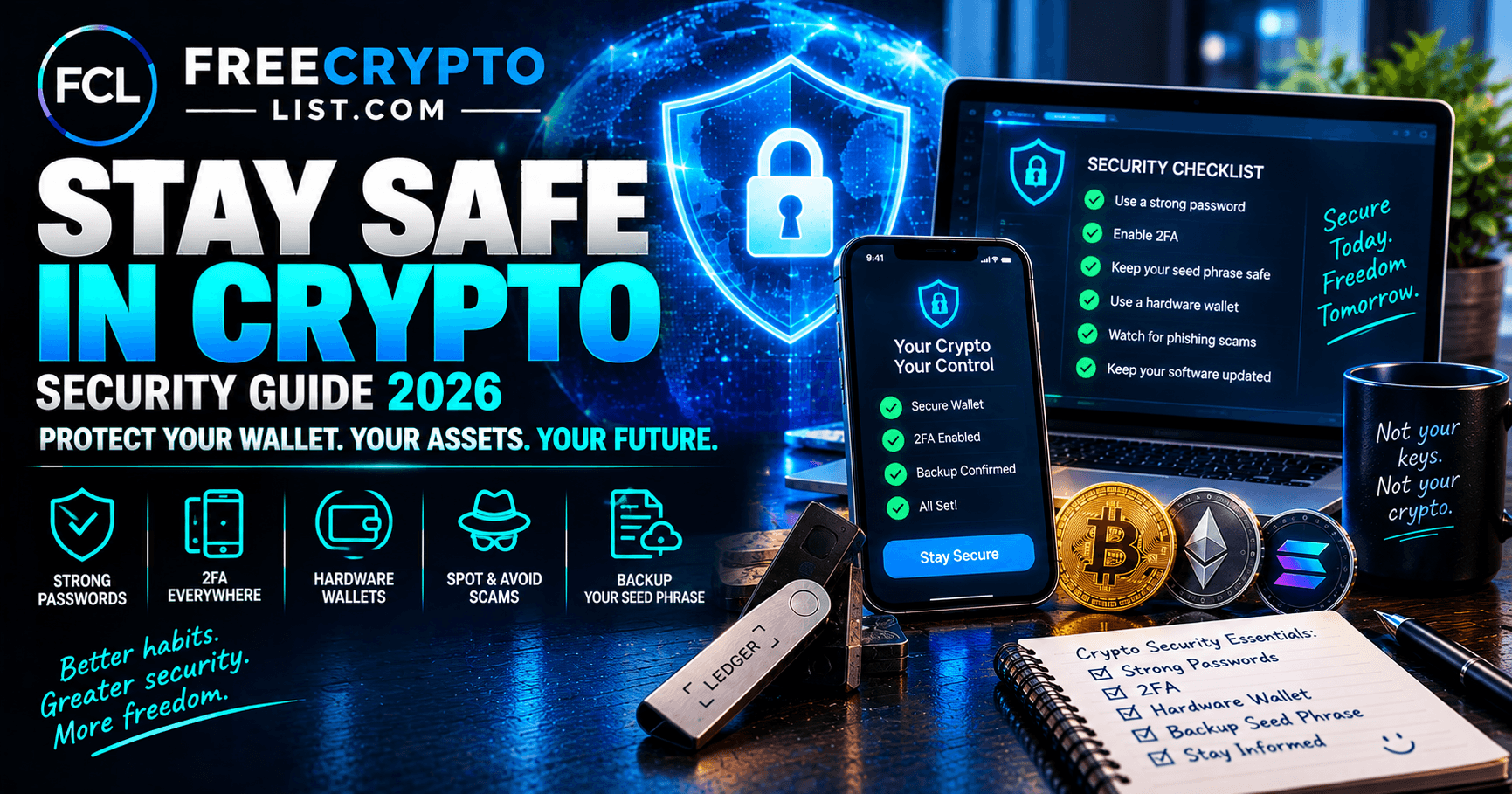
How to Stay Safe in Crypto in 2026 (Complete Security Guide for Beginners)
Updated October 4, 2026
Crypto gives you complete control over your own money – but that means the responsibility for keeping it safe is entirely yours too. There’s no bank to call, no fraud department to dispute a charge with, and no way to reverse a transaction once it’s confirmed.
The good news is that staying safe in crypto isn’t complicated. The short version: keep your seed phrase offline, protect your accounts with app-based 2FA or passkeys, move larger amounts to a hardware wallet, and treat every unsolicited message as a scam until proven otherwise. The rest of this guide explains each of those habits, plus what to do if something goes wrong.
The Golden Rule – You Are Your Own Bank
In crypto, you are your own bank. If the bank’s front door is made of cardboard, the vault inside doesn’t matter.
This mindset shift is the foundation of everything else in this guide. Traditional finance has safety nets – FDIC insurance, fraud protection, password resets. Crypto has none of those. What it has instead is cryptographic security that, when used correctly, is virtually unbreakable. The vulnerabilities are almost always human, not technical. In 2025, Americans reported a record $11.4 billion in crypto-related fraud losses to the FBI, and most of it came from people being talked into sending money – not from anyone breaking the underlying cryptography. That’s bad news and good news at once: the risks are within your control to fix.
1. Protect Your Seed Phrase Above Everything
Your seed phrase – the 12 or 24 words generated when you set up a wallet – is the master key to all your crypto. Anyone who has it can access and drain your wallet instantly, from anywhere in the world.
Rules for your seed phrase:
- Write it on paper only – never type it into any device
- Never store it digitally – no photos, notes apps, emails, Google Drive, iCloud, or screenshots
- Never share it with anyone – not support agents, not friends, not family
- Make two physical copies and store them in separate secure locations
- Consider engraving it on a metal plate for fireproof, waterproof backup
The principle is simple – not your keys, not your coins. Non-custodial wallets give you complete control over your private keys, but this places full security responsibility on you. Our wallet setup guide walks through recording your seed phrase safely the first time.
Not every wallet uses a written seed phrase anymore. Tangem uses a seedless backup across multiple cards, and Ledger now offers an NFC Recovery Key card as an alternative backup. The rule doesn’t change, though: whatever your backup is, it’s the master key, and nobody legitimate will ever ask you for it.
2. Use Strong, Unique Passwords and a Password Manager
Your email is the master key for most security systems. Use a dedicated email address specifically for your crypto accounts – never your primary personal or work email.
For every crypto account:
- Use a unique password that you don’t use anywhere else
- Make it long – 16+ characters mixing letters, numbers, and symbols
- Use a password manager like Bitwarden (free) or 1Password to generate and store passwords securely
- Never reuse passwords across exchanges, wallets, or crypto services
A single data breach on one platform can compromise all your accounts if you reuse passwords – this is one of the most common ways people get hacked.
3. Enable Two-Factor Authentication (2FA) – The Right Way
Two-factor authentication adds a second layer of security beyond your password. Always enable it on every crypto exchange, email account, and service you use.
However, not all 2FA is equally secure. Always use app-based 2FA, not just SMS, to avoid SIM-swap fraud.
App-based 2FA (recommended): Use an authenticator app like Google Authenticator or Authy (note that Authy’s desktop app was discontinued in 2024 – it’s mobile only now). These generate a time-based code on your phone that changes every 30 seconds. Even if someone has your password, they can’t log in without physical access to your phone.
SMS-based 2FA (avoid if possible): Codes sent via text message are vulnerable to SIM-swap attacks, where a criminal convinces your phone carrier to transfer your number to their SIM card and intercepts all your texts. Many crypto thefts happen exactly this way.
Passkeys and security keys (strongest): Many major exchanges now support passkeys or hardware security keys like YubiKey for login. These can’t be phished the way a typed code can, because they only work on the real website. If your exchange offers them, use them.
4. Use a Hardware Wallet for Significant Holdings
If you’re holding more than a few hundred dollars in crypto, a hardware wallet is non-negotiable. Hardware wallets store private keys in secure chips isolated from internet-connected devices and require physical confirmation for every transaction.
The principle is simple – hot wallets (software) are connected to the internet and therefore exposed to malware, phishing, and hacking. A hardware wallet keeps your keys offline, making remote theft virtually impossible as long as you verify what you’re signing on the device’s own screen.
Use a hot wallet for small amounts and daily activity. Move larger holdings to cold storage. Our beginner wallet comparison covers the main options, and we’ve reviewed the big three individually: Ledger, Trezor, and Tangem. If you go with Ledger, our Ledger setup guide has step-by-step instructions.
Two rules that matter as much as the device itself:
- Buy direct from the manufacturer – never secondhand, and never from a third-party marketplace seller. Tampered devices are a real attack.
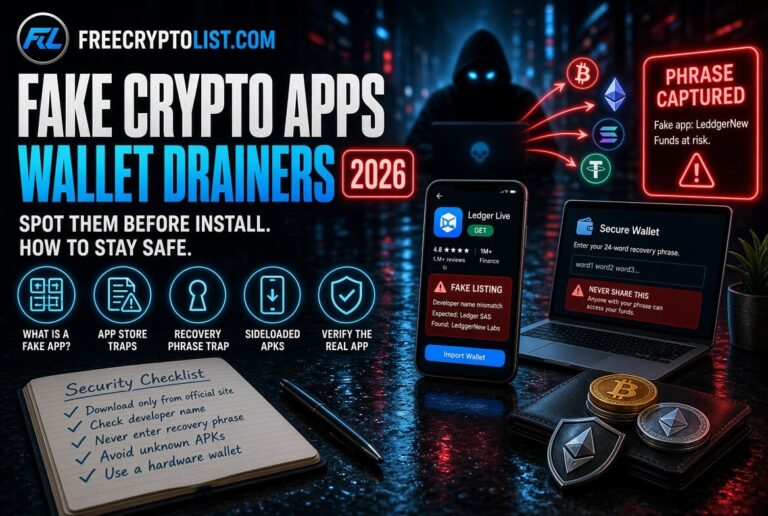
- Download companion apps only from the official website. In April 2026, a fake Ledger app on Apple’s Mac App Store drained around $9.5 million from users who trusted the App Store listing. Our fake crypto apps guide explains how to verify you have the real thing.
5. Recognize Phishing and Impersonation Scams
Impersonation is now the fastest-growing threat in crypto. Blockchain analytics firm Chainalysis estimates crypto scams took about $17 billion in 2025, with impersonation scams up roughly 1,400% year over year – and AI tools are making them more convincing. A phishing or impersonation attack tricks you into visiting a fake website, revealing sensitive information, or sending funds by pretending to be someone you trust.
Common tactics to watch for:
Fake websites – Criminals create near-identical copies of exchange and wallet websites with slightly different URLs (e.g., “coinbasse.com” instead of “coinbase.com”). Always type URLs directly or use bookmarks – never click links in emails or social media.
Fake support messages – Scammers impersonate exchange support on X, Discord, and Telegram claiming to help with account issues. Real support never reaches out to you first, and no legitimate company will ever ask for your seed phrase. We break down six of these patterns in our Discord and Telegram social engineering guide, and dissect a real attempt in “You Have a 45% Airdrop Reward Waiting”.
Deepfake AI scams – AI-generated videos or voice calls impersonating celebrities, influencers, or exchange executives promoting fake investment opportunities. See how fake crypto influencers work. If it sounds too good to be true – it is.
Email and text phishing – Fake messages pretending to be from Coinbase, Ledger, or MetaMask urging you to “verify your account” or “confirm a transaction.” Always check the sender’s actual address and never click links – go directly to the website instead. Be extra careful after a company announces a data breach: scammers use leaked customer details to make their messages look legitimate.
Physical mail – After Ledger’s 2020 customer data leak, some users received letters and even packages with tampered devices asking them to “update” or re-enter their recovery phrase. No legitimate wallet company will ever mail you something asking for it.
Address poisoning – Scammers send you a tiny transaction from an address that looks almost identical to one you’ve used before, hoping you’ll copy it from your transaction history next time you send funds. Two victims lost a combined $62 million this way between December 2025 and January 2026. Always copy addresses from the original source, and check the full address – not just the first and last few characters – before you send.
6. Be Extremely Careful With Wallet Approvals
When you use DeFi apps, airdrops, or NFT platforms, you’ll often be asked to “approve” a smart contract to access your wallet. This is a normal part of using Web3 – but it’s also one of the most exploited attack vectors.
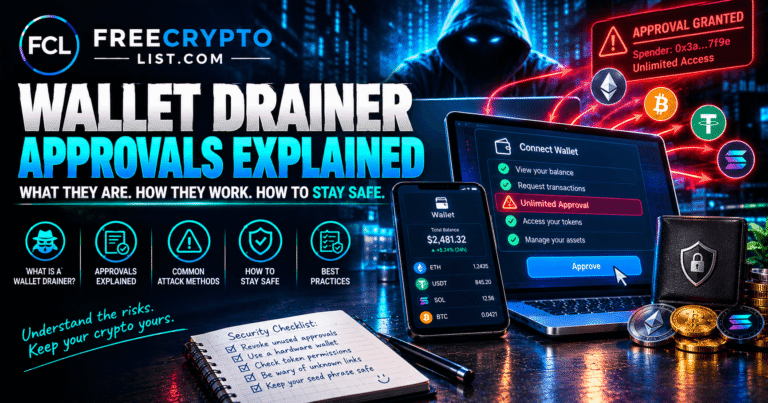
A malicious approval can grant a scam contract unlimited access to drain your tokens. Our wallet drainer approvals guide explains exactly how this works. To protect yourself:
- Only connect your wallet to sites you’ve verified are legitimate
- Use Revoke.cash regularly to review and revoke any approvals you no longer need
- Consider using a dedicated “burner wallet” – a separate wallet with only small amounts – for interacting with new or unverified protocols
- Never approve a transaction you don’t fully understand
7. Verify Smart Contracts and Tokens Before Interacting
Before using a new DeFi protocol, bridge, or airdrop claim page, take a few minutes to verify it’s legitimate:
- Check the project’s official X account and website – confirm the URL matches exactly
- Get the contract address from the official website, not from links shared in Telegram or Discord
- Search the project name on Reddit or X to see if there are recent scam reports
- Check whether the contract has been audited by a reputable security firm
- Run new tokens through free checkers like TokenSniffer, RugCheck (Solana), or GoPlus Security, and look up contracts on Etherscan
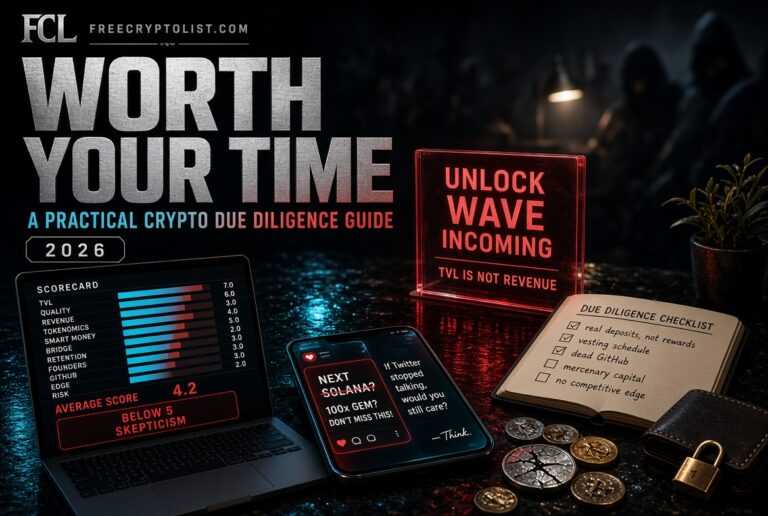
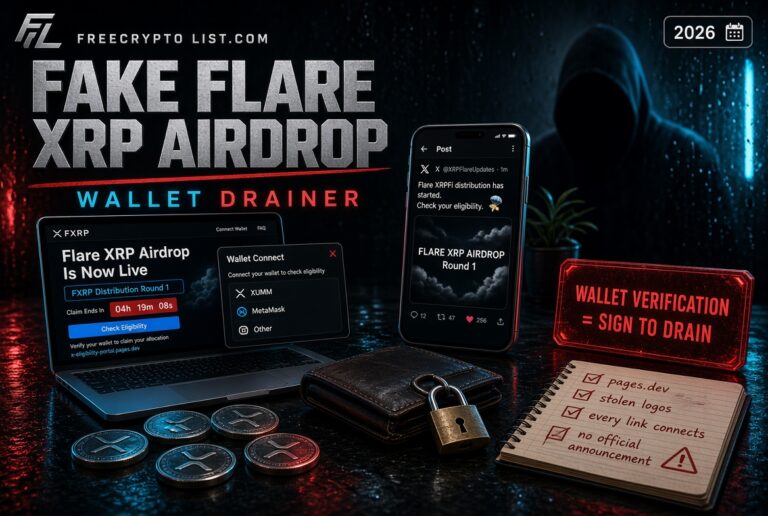
Scammers regularly create fake versions of popular protocols timed to coincide with major launches or airdrops – we documented one live in our fake Flare XRPFi airdrop breakdown. Tokens that show up in your wallet uninvited are another trap; read about honeypot tokens before you try to sell one. For a deeper process, see our guides on crypto due diligence and spotting a rug pull.
8. Secure Your Devices
Your hardware and software are the foundation of your crypto security:
- Keep your operating system and browser updated – security patches close known vulnerabilities
- Use antivirus software and keep it current
- Never access your crypto accounts on public WiFi – use a VPN if you must
- Be cautious about browser extensions – malicious extensions have been used to steal crypto from wallets. Only install extensions you absolutely need from verified sources
- Watch for clipboard malware, which swaps a copied wallet address for the attacker’s – another reason to check the full address after pasting
- Lock your devices with strong PINs or biometric authentication
- Enable full-disk encryption on your computer
9. Keep Your Holdings Private
Not every crypto threat is online. So-called “wrench attacks” – robberies, home invasions, and kidnappings aimed at forcing someone to hand over their crypto – hit a record in 2025, with Chainalysis tracking $58 million stolen that year and another $30 million in the first half of 2026. France alone went from a handful of cases to more than 70 by mid-2026, partly fueled by a leak of crypto holders’ personal data.
You don’t need to be a whale to take sensible precautions:
- Don’t post balances, wallet screenshots, or big wins on social media
- Don’t tie your public wallet addresses to your real name
- Be careful what you share in crypto Discord and Telegram groups – strangers there are not your friends
- Assume any company holding your data could leak it someday, and limit what you hand over where you can
10. Only Use Reputable Exchanges
Not all exchanges are trustworthy. Stick to regulated, well-established platforms with transparent security practices.
Signs of a reputable exchange:
- Regulated in your jurisdiction
- Publishes regular Proof of Reserves attestations showing it holds customer funds 1:1 (these are snapshots verified by a third party, not full financial audits)
- Has a long track record and is transparent when incidents happen
- Offers app-based 2FA or passkeys, plus withdrawal address whitelisting
- Has responsive, verifiable customer support
For US users, Coinbase and Kraken are the most established options. Binance.com isn’t available to US residents – Binance.US is a separate, smaller platform. Even the big names aren’t immune: in May 2025, Coinbase disclosed that criminals had bribed overseas support contractors to steal data on less than 1% of its monthly users, which was then used for impersonation scams. Coinbase refused a $20 million ransom demand and said it would reimburse customers who were tricked into sending funds. That’s exactly why the habits above matter – your security can’t depend on any single company never slipping. Our guide to buying your first crypto covers what exchange protections do and don’t cover.
Avoid smaller, unregulated exchanges offering unusually high trading rewards or bonuses – these are often exit scam setups.
11. Never Invest More Than You Can Afford to Lose
Security isn’t just about protecting your wallet from hackers – it’s also about protecting yourself from bad decisions.
Crypto is volatile. Prices can drop 50-80% in a bear market. No matter how confident you are in a project, only ever invest money you could afford to lose entirely without it affecting your life. This mindset removes panic selling and keeps you in the game long enough to benefit from eventual recoveries.
It also protects you from the biggest scam category of all. Investment fraud was responsible for $7.2 billion of the crypto losses reported to the FBI in 2025. Anyone promising guaranteed returns, pressuring you to act fast, or steering a new online friendship toward a “trading platform” is running a scam – see how pig butchering and pump-and-dump groups work.
12. If You’ve Been Hacked or Scammed
If you think a wallet or account is compromised, speed matters:
- Move whatever is left to a brand-new wallet with a brand-new seed phrase. Never reuse the old seed phrase – it’s burned.
- Revoke approvals on the compromised wallet with Revoke.cash if you suspect a malicious contract.
- Change passwords and 2FA on any exchange accounts and the email tied to them, starting with the email.
- Contact your exchange through its official app or website if funds passed through it – exchanges can sometimes freeze stolen funds that arrive on their platform.
- Report it. In the US, file a report with the FBI at ic3.gov. Write down transaction hashes, addresses, and any messages from the scammer.
Watch out for recovery scams. Victims are often contacted by “recovery experts” or fake law firms promising to get stolen crypto back for an upfront fee. They can’t. Legitimate law enforcement will never charge you to recover funds – anyone who does is running a second scam on you.
Quick Security Checklist
Before you consider yourself properly secured, run through this list:
- Seed phrase written on paper and stored securely in two locations
- No seed phrases or passwords stored digitally
- Unique strong password for every crypto account, stored in a password manager
- Dedicated email address for crypto
- App-based 2FA or passkeys enabled on all accounts – no SMS
- Hardware wallet set up for larger holdings, bought direct from the manufacturer
- Bookmarks saved for all exchanges and wallets you use
- Full wallet address checked every time you send
- Wallet approvals reviewed on Revoke.cash
- Antivirus software installed and updated
- Holdings kept off social media
Conclusion
Staying safe in crypto comes down to consistent habits, not complex technology. Protect your seed phrase, use strong unique passwords, enable app-based 2FA or passkeys, get a hardware wallet once your holdings grow, check every address before you send, and never trust unsolicited messages or too-good-to-be-true offers.
The crypto users who lose funds almost always made one of a small handful of preventable mistakes. Now that you know what they are, you’re already ahead of the majority of beginners in the space.
Ready to take the next step? Set up your hardware wallet with our Ledger setup guide, compare options in our beginner wallet guide, and browse every scam breakdown on our Crypto Security hub.
Protect your seed phrase. It’s the master key to your wallet, and anyone who has it can take everything. Write it on paper, store copies in two secure places, never keep it on any device, and never share it with anyone. No legitimate company, support agent, or wallet app will ever ask for it.
No. SMS codes can be intercepted through SIM-swap attacks, where a criminal convinces your carrier to move your number to their SIM. Use an authenticator app instead, or better yet, passkeys or a hardware security key like YubiKey if your exchange supports them.
Once you’re holding more than a few hundred dollars, yes. A hardware wallet keeps your private keys offline and requires physical confirmation for every transaction, which makes remote theft extremely difficult. Buy it directly from the manufacturer and only download its companion app from the official website.
Address poisoning is a scam where someone sends you a tiny transaction from an address that looks almost identical to one you’ve used before, hoping you’ll copy the fake one from your transaction history next time you send funds. Two victims lost a combined $62 million this way between December 2025 and January 2026. Always copy addresses from the original source and check the full address before sending.
Move any remaining funds to a brand-new wallet with a new seed phrase, revoke token approvals on the compromised wallet, change passwords and 2FA starting with your email, contact any exchange the funds passed through, and in the US, report it to the FBI at ic3.gov. Save transaction hashes and any messages from the scammer.
Sometimes, but rarely. Exchanges can occasionally freeze stolen funds that land on their platform, and law enforcement has recovered funds in some large cases. What you should never do is pay a “recovery service” that contacts you promising to get your crypto back for a fee. Recovery scams specifically target people who’ve just lost money, and legitimate law enforcement never charges you to recover funds.
Sources
- FBI Internet Crime Complaint Center – 2025 Internet Crime Report
- Chainalysis – 2026 Crypto Crime Report: Scams
- Chainalysis – Violent Wrench Attacks Targeting Crypto Holders
- crypto.news – Address poisoning losses (ScamSniffer data)
- The Hacker News – Coinbase support agents bribed, customer data leaked
- The Block – Fake Ledger app on Apple App Store linked to $9.5M theft
- Twilio – End of Life for Authy Desktop
📖 In This Section Wallet Drainer Approvals · Discord & Telegram Scams · Rug Pulls
Stay Safe Guide · Real Scam Dissected · Evaluate Projects
Set Up a Wallet · Buy First Crypto · Receive Crypto · Stake Crypto · Choose a Validator · Ledger Setup · Bridge Crypto · Gas Fees · Stay Safe · Scam Warning · Evaluate Projects · Track Portfolio · Crypto Taxes